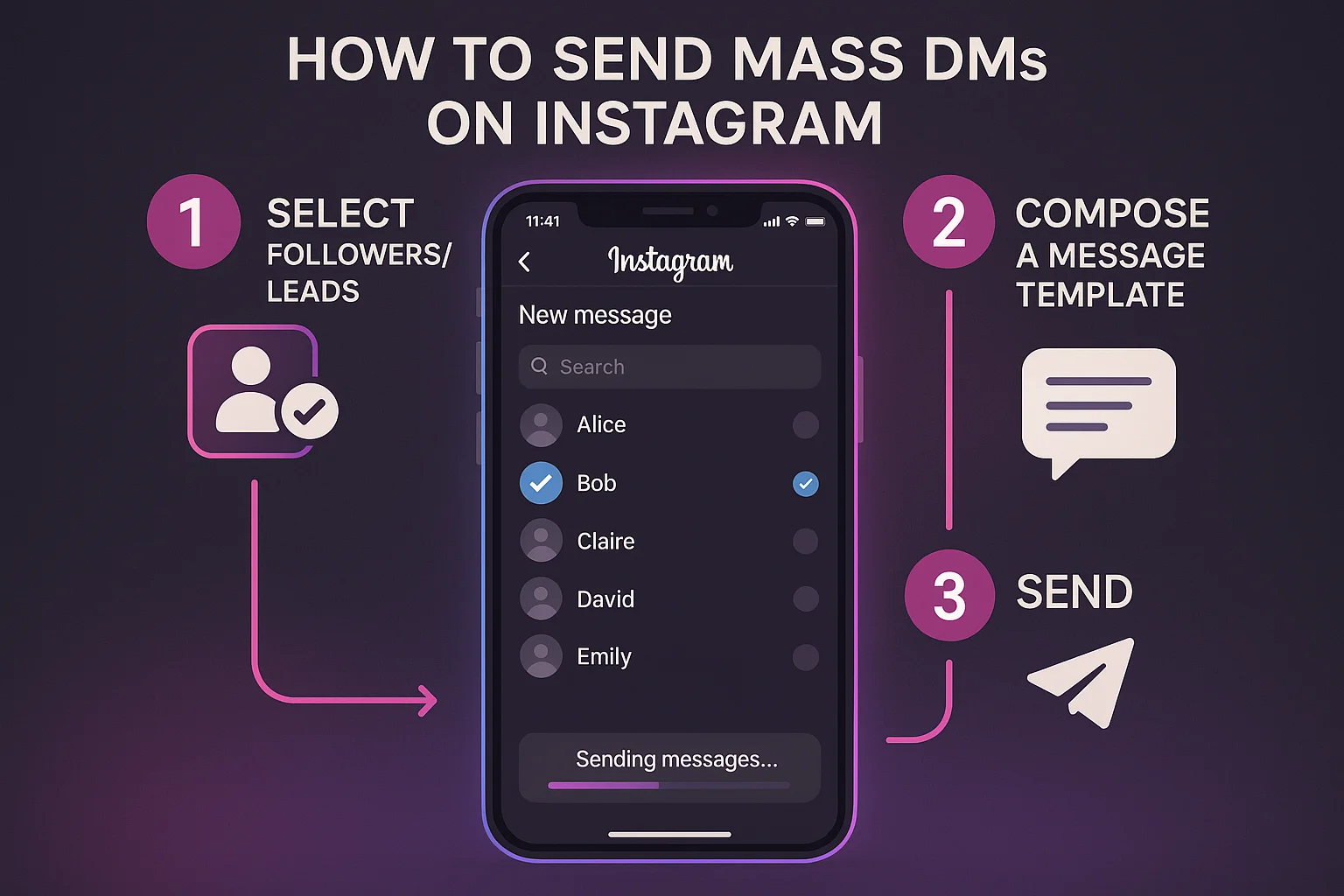
Instagram doesn't have a native "send to all followers" button. So when people ask how to send a mass DM on Instagram, they're really asking: what's the most effective and safe way to reach a large number of people via direct message?
This guide covers every method — from the completely manual approach to the proper infrastructure setup used by agencies — with step-by-step instructions for each.
Can You Send Mass DMs on Instagram Natively?
No. Instagram has no built-in mass DM feature. You can create a group chat with up to 250 members, or share a Story to multiple people, but there's no native way to send individual personalized DMs to a large list of users.
Your options:
- Manual sending — Works for very small lists (under 20). Doesn't scale.
- Instagram group messages — Sends to everyone at once in a group, not individual conversations. Not useful for outreach.
- Third-party automation tools — The only viable approach for mass DM at scale.
For anything meaningful — 50+ DMs per day, personalized outreach, lead generation — you need a tool.
Method 1: Manual Mass DM (Small Scale Only)
If you have a list of 10–20 people and genuinely want to do this by hand:
Step 1: Open Instagram and tap the DM icon (paper airplane / Messenger icon) in the top right.
Step 2: Tap the pencil/compose icon to start a new message.
Step 3: Search for and select the first recipient.
Step 4: Type your message. If you're personalizing, include their name.
Step 5: Send. Then repeat for the next person.
The reality: This approach doesn't scale beyond about 15–20 messages before it becomes prohibitively time-consuming. It's also inconsistent — you'll inevitably miss people, vary your message, and have no record of who you contacted.
For anything beyond a handful of messages, this method isn't viable.
Method 2: Using a Mass DM Tool (The Right Approach)
For real mass DM campaigns — 50 to 150 DMs per day, personalized, automated, with logging — you need a tool running server-side Chrome infrastructure.
Here's the step-by-step using InstaSDM:
Step 1: Create Your InstaSDM Account
Go to instasdm.com and create a free account. No credit card required.
Step 2: Connect Your Instagram Account
In your dashboard, click "Add Account" and connect your Instagram account via password or session cookie. InstaSDM spins up a dedicated Chrome session on its servers — your account gets its own isolated browser profile with a fixed IP.
Tip: Before connecting, make sure the Instagram account you're using has at least 1–2 months of posting history and a complete profile. New, empty accounts trigger more scrutiny.
Step 3: Define Your Lead Source
This is who you'll be DMing. InstaSDM supports:
- Hashtag likers — People who liked posts tagged with a specific hashtag
- Post likers — Users who liked a specific Instagram post (great for targeting competitor audiences)
- Post commenters — Higher intent than likers; they're actively engaging in the niche
- Follower lists — Followers of a specific account
For best results, start with post commenters from the most relevant account in your niche. The more targeted your list, the higher your reply rate.
Step 4: Write Your Message Template
This is where most people underestimate the importance. The message template determines your reply rate more than almost any other factor.
Structure that works:
Hey {username}, [one specific observation about their niche or content]. [One soft question]?
Real example:
Hey {username}, noticed you're posting a lot in the fitness coaching space — quick question about your client acquisition. Worth a minute?
What to avoid:
- Pitching anything in the first message
- Long messages (over 3 sentences)
- Including links (Instagram flags these as spam)
- Generic openers with no personalization
- Asking for a call or purchase immediately
The {username} variable gets replaced with the actual Instagram username of each recipient. InstaSDM handles this substitution automatically.
Step 5: Set Your Daily Limit and Delay Range
This is critical for account safety. Instagram doesn't publish its spam thresholds, but here are the safe operating ranges:
| Account Age | Daily DM Limit | Delay Between Messages |
|---|---|---|
| New (under 1 month) | 20–30 DMs | 60–120 seconds |
| Warming up (1–3 months) | 30–60 DMs | 45–90 seconds |
| Established (3–6 months) | 60–100 DMs | 30–75 seconds |
| Aged (6+ months) | 100–150 DMs | 20–60 seconds |
Always use a range for delays, not a fixed number. A message sent every exactly 45 seconds is a detectable pattern. A message sent every 38–72 seconds looks human.
Step 6: Launch the Campaign
Click launch. That's it. InstaSDM's servers handle the rest — navigating to each recipient's DM, typing the message, sending, waiting the configured delay, then moving to the next one.
You don't need to keep your browser open. You don't need your computer on. Campaigns run 24/7 on InstaSDM's infrastructure.
Step 7: Monitor Results
From your InstaSDM dashboard, you can see in real time:
- Total DMs sent
- Campaign progress vs. daily target
- Any errors (action blocks, failed sends)
- Reply activity
Aim for a 5–15% reply rate depending on your niche and targeting quality. If you're below 3%, the message template or targeting needs adjustment.
What to Do When Replies Come In
Automation handles the top of funnel. Once someone replies, a human takes over.
Build a simple system:
- Check replies daily — Either in the Instagram app or DM management tool
- Categorize responses — Interested, not interested, needs more info
- Follow up on interested replies within 1–2 hours — Speed matters in DM conversations
- Log outcomes — Track which campaigns and messages are generating the best leads
The automation is starting conversations. You're closing them.
How Many People Can You DM on Instagram Per Day?
Safely: 20–150 per day depending on account age and history (see the table above).
Instagram doesn't publish hard limits, but the community consensus from operators sending millions of DMs annually:
- Under 30/day: Virtually zero ban risk for most accounts
- 30–80/day: Safe for accounts with 2+ months of history and proper warm-up
- 80–150/day: Viable for aged accounts; requires proper delays and template rotation
- 150+/day: High risk territory; most operators don't go here without very aged accounts
The key variable isn't just the number — it's whether the behavior looks human. Randomized delays, varied message templates, and account history all contribute to a lower risk profile.
Common Mistakes When Sending Mass DMs on Instagram
Mistake 1: Starting at full volume on a new account New accounts sending 100 DMs on day one will almost certainly get action-blocked. Always start at 20–30 and ramp up over 2–4 weeks.
Mistake 2: Sending the same message to thousands of people Instagram can detect identical message patterns at scale. Rotate 3–5 template variants that have the same intent but different wording.
Mistake 3: Including links in the first message Links in cold DMs are a strong spam signal. Keep the first message link-free. If someone replies interested, you can share a link in the follow-up.
Mistake 4: Using extension-based tools Browser extensions leave a detectable fingerprint. In 2026, extension-based DM tools have significantly higher ban rates than server-side Chrome tools like InstaSDM.
Mistake 5: No account warm-up Before running any automation, your account should have content posted, some follower activity, and a few weeks of normal usage. Empty accounts with no history look like bots because they are bots — don't give Instagram an easy signal.
Frequently Asked Questions
How do I send a mass DM on Instagram without getting banned? Use a server-side Chrome tool (not a browser extension), start with conservative daily limits (20–30 for new accounts), use randomized delays, warm up your account first, and rotate message templates. This approach significantly reduces ban risk compared to extension-based tools.
Is there a free way to send mass DMs on Instagram? Manual sending is free but doesn't scale past 15–20 messages. Free automation tools typically use extension-based or API approaches that carry higher ban risk. Most serious operators use paid infrastructure tools starting at $19/month.
Can Instagram detect mass DMs? Instagram can detect patterns that look like automated behavior — fixed sending intervals, identical messages at scale, new accounts sending high volumes, and extension fingerprints in the browser. Using server-side Chrome automation with randomized delays and varied templates significantly reduces detection risk.
How long does it take to set up a mass DM campaign? With InstaSDM, under 10 minutes from signup to first campaign running — connect your account, choose a lead source, write your template, set limits, launch.
What is the best tool to send mass DMs on Instagram in 2026? InstaSDM is built specifically for this use case. Server-side Chrome infrastructure, dedicated session per account, multiple lead sources, configurable limits, and a full audit trail. Starts at $19/month.
Can I send mass DMs to people who don't follow me? Yes. Messages to non-followers go to the "Message Requests" folder rather than their main inbox. This can reduce reply rates somewhat. To improve deliverability, target people in your niche who are likely to recognize your name or profile, or consider following prospects before DMing.