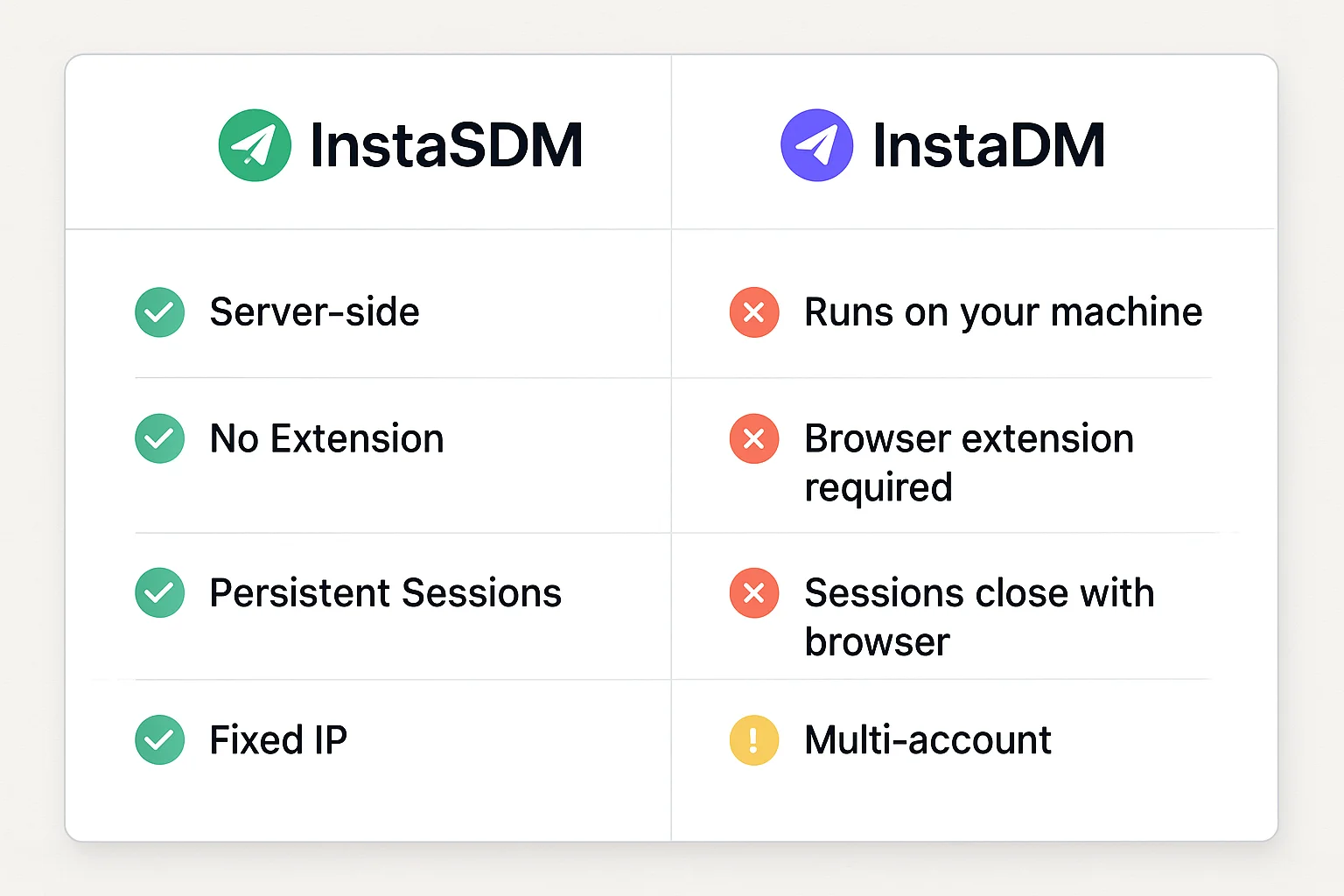
If you've hit the ceiling with InstaDM, you've likely run into the same problems: your machine has to stay on, sessions die when the browser closes, and Instagram's detection has gotten sharp enough to spot extension-based automation. InstaSDM was built specifically for operators who need outreach infrastructure that actually runs without babysitting.
What InstaDM is — and where it breaks down
InstaDM is a browser extension. That means:
- It runs on your computer, inside your browser
- Your machine must be on and connected for campaigns to run
- Sessions reset every time you close the browser or restart
- Each browser restart can mean a different IP — Instagram notices
- One browser, one account session at a time
This is fine for casual, low-volume use. It breaks down fast when you try to run outreach at any real scale, across multiple accounts, or outside business hours.
How InstaSDM is built differently
InstaSDM is infrastructure, not a browser tool. Every architectural decision reflects that.
Server-side Chrome: Each connected Instagram account runs in its own dedicated Chrome instance on InstaSDM's servers. Not on your machine. Not in an extension. On a server with a fixed, dedicated IP.
Persistent sessions: Your Chrome profile stays live indefinitely. Cookies, session data, browser fingerprint — all maintained exactly as a long-term human user's browser would be. You close your laptop, the campaign continues.
No extension surface: Nothing to fingerprint. InstaSDM doesn't inject JavaScript into Instagram's interface — it operates the browser the way a human would.
Full audit logs: Every DM sent, every failure, every response — logged with full context. When extension tools fail, you find out when you check manually. With InstaSDM, you know immediately.
Side-by-side comparison
| InstaSDM | InstaDM | |
|---|---|---|
| Runs on your machine | No | Yes |
| Browser extension required | No | Yes |
| Sessions persist | Always | Until browser closes |
| IP per account | Fixed, dedicated | Variable (your home/office IP) |
| Multi-account | Yes, isolated | Limited |
| Campaigns run overnight | Yes | Only if machine stays on |
| DM audit logs | Full | Basic |
| Detection risk | Low (no extension footprint) | Higher (extension signals) |
Who should switch
InstaDM works fine if:
- You're sending under 30 DMs/day
- You only manage one Instagram account
- Your machine is always on and connected
- You don't run overnight or weekend campaigns
InstaSDM is the right tool if:
- You're running outreach at volume (100+ DMs/day)
- You manage multiple Instagram accounts
- You need campaigns running 24/7 without monitoring
- You've had accounts flagged or restricted from extension-based tools
Getting started
Moving from InstaDM to InstaSDM takes about 10 minutes:
- Create an InstaSDM account
- Connect your Instagram account (via password or session cookies)
- Define or import your lead list
- Set up your campaign — message templates, daily volume, timing
Your first DMs go out within minutes. Your campaigns continue running whether your laptop is open or not.