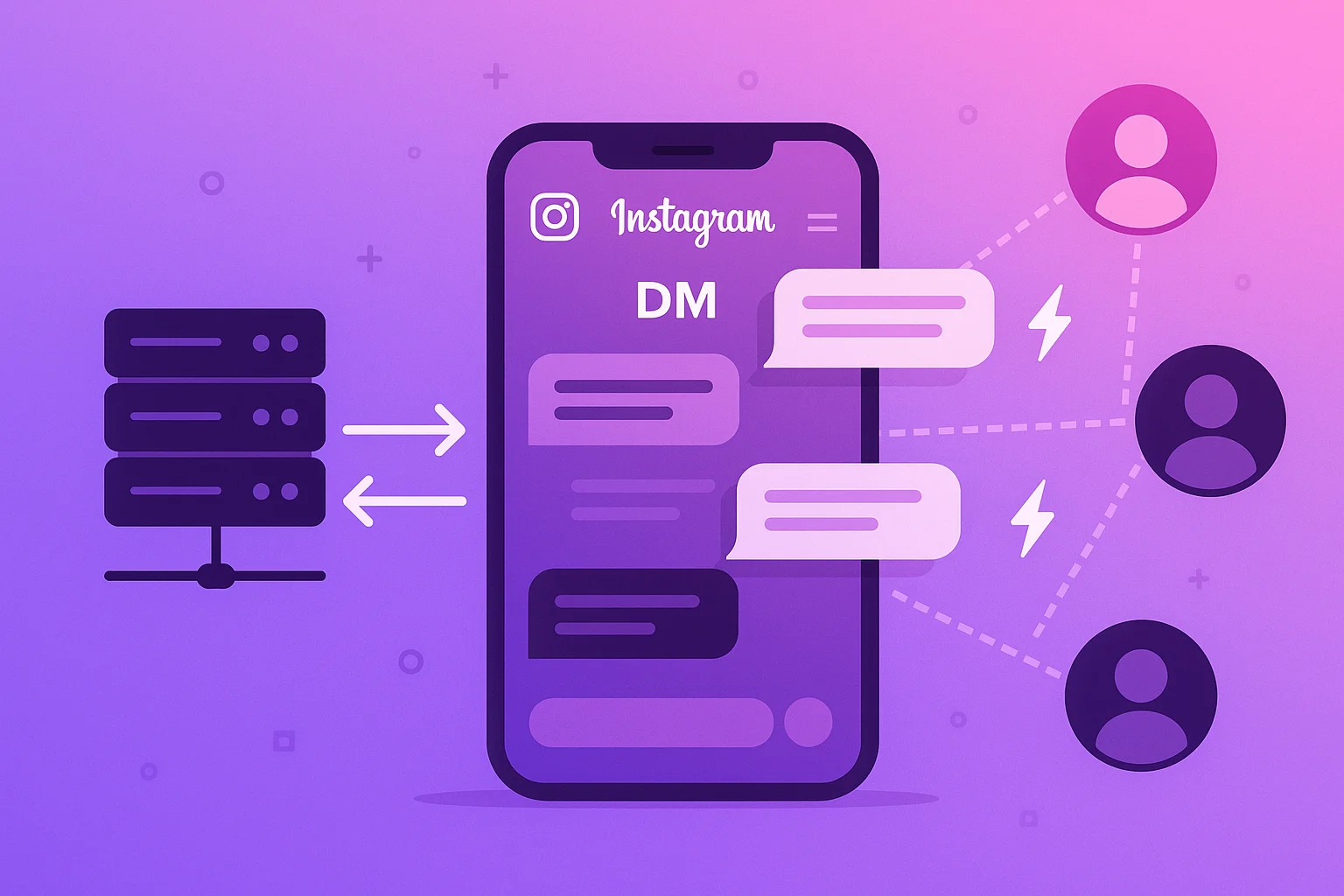
Instagram DM automation means using software to send, manage, and scale your Instagram direct message outreach — without manually typing and sending each one. Done right, it's one of the most efficient lead generation channels available in 2026. Done wrong, it gets your account banned.
This guide covers the full picture: how automation works technically, what to automate vs. what to keep manual, limits to stay within, and how to set up campaigns that run while you sleep.
What Is Instagram DM Automation?
At its core, Instagram DM automation is a system that:
- Sources a list of Instagram users (from hashtags, competitor followers, post likers, etc.)
- Sends a templated message to each one with personalization variables like
{username} - Manages timing, delays, and daily limits automatically
- Logs every message, reply, and status
The appeal is obvious: instead of spending hours manually prospecting and messaging, you define the campaign once and the infrastructure runs it.
How Instagram DM Automation Works Under the Hood
There are fundamentally two architectures:
1. Browser Extension Automation (Outdated)
Extensions like older versions of various tools inject JavaScript into your browser to simulate clicking and typing. The fundamental problems in 2026:
- Instagram actively scans the browser environment for extension fingerprints
- Your machine must stay on — there's no server infrastructure
- Your home or office IP varies, creating inconsistent session signals
- You can only run one session at a time per browser profile
Extensions were viable in 2020–2022. They're a liability now.
2. Server-Side Chrome Automation (Current Standard)
This approach spins up a real Chrome browser on a remote server for each Instagram account. The Chrome instance maintains a persistent profile — cookies, session data, browser history — identical to what a human user accumulates over time.
When a campaign runs:
- The Chrome instance navigates to Instagram's DM interface
- Types the message with human-like timing variability
- Clicks send
- Waits a randomized delay before the next message
- Logs the result
From Instagram's perspective, this looks like a logged-in human using Instagram from a stable location. No extension. No injected code. No detectable automation signal beyond the behavior pattern itself — which is why smart daily limits matter.
InstaSDM runs on this architecture. Each connected account gets a dedicated Chrome session on the server with a fixed IP.
What to Automate vs. What to Keep Manual
Not everything in your DM workflow should be automated. Here's the breakdown:
Automate:
- Initial outreach messages (the first DM to a cold lead)
- Lead sourcing and deduplication
- Message scheduling and delay management
- Logging and status tracking
Keep manual:
- Replies from interested leads
- Follow-up sequences after someone responds positively
- Anything requiring judgment, negotiation, or relationship-building
The automation handles the top of the funnel — getting replies. A human handles everything after the first positive response. This combination is where the real results come from.
Setting Up an Instagram DM Automation Campaign
Here's the practical workflow using InstaSDM:
Step 1: Connect Your Instagram Account
Link your account via password or session cookies. InstaSDM spins up a dedicated Chrome profile on its servers — isolated, fixed IP, persistent session data.
Step 2: Choose Your Lead Source
Pick from:
- Hashtag likers — People who liked posts in a specific hashtag
- Post likers — Users who liked a specific post (great for competitor targeting)
- Post commenters — Higher intent than likers; they're actively engaging
- Follower lists — Followers of a specific account
For highest conversion rates, use post commenters from highly relevant accounts in your niche.
Step 3: Write Your Message Template
Keep it short. The only goal of the first message is to get a reply.
Template structure that works:
Hey {username}, [one-line observation about their niche/content]. [Soft question that requires a yes/no or short answer]?
Avoid:
- Pitching in the first message
- Generic openers ("Hey, hope you're doing well!")
- More than 2–3 sentences
- Links (often filtered as spam)
Step 4: Set Your Daily Limits and Delays
| Account Status | Daily Limit | Delay Range |
|---|---|---|
| New account (< 1 month) | 20–30 DMs | 60–120 seconds |
| Warming up (1–3 months) | 30–60 DMs | 45–90 seconds |
| Established (3–6 months) | 60–100 DMs | 30–75 seconds |
| Aged account (6+ months) | 100–150 DMs | 20–60 seconds |
Always use a randomized range, never a fixed interval. Fixed intervals are a detectable pattern.
Step 5: Launch and Monitor
Once your campaign is running, InstaSDM handles the sessions. You don't need to keep your browser open. Monitor from the dashboard:
- DMs sent vs. daily target
- Reply rate (aim for 5–15% depending on niche and targeting quality)
- Any error statuses (action blocks, failed sends)
Common Instagram DM Automation Mistakes
Starting too fast on new accounts. Instagram scrutinizes new accounts sending high volumes immediately. Always start at 20–30 DMs/day and ramp up over 2–4 weeks.
Using the same message template forever. Instagram can detect identical message patterns at scale across accounts. Rotate 3–5 template variants.
Targeting too broadly. More volume with poor targeting = worse reply rates + higher spam signal. Better to target 500 highly relevant people than 5,000 random ones.
No warm-up period. Brand new accounts should post content, follow people manually, and interact organically for 1–2 weeks before starting automation.
Ignoring replies. Automation gets the conversation started. Not having a system to handle replies means you're burning leads.
Results You Can Expect
Reply rates vary significantly by niche, targeting quality, and message quality. Realistic ranges:
- Low-intent targeting (broad hashtag explorers): 2–5% reply rate
- Medium-intent targeting (post likers): 5–10% reply rate
- High-intent targeting (post commenters, competitor followers): 8–18% reply rate
At 100 DMs/day with a 10% reply rate, that's 10 conversations started daily. With a 20% conversion from conversation to qualified lead, you're generating 2 qualified leads per day from a single account — without manually sending a single message.
Agencies running 10–20 accounts can see 20–40 qualified leads per day from this channel alone.
Instagram DM Automation in 2026: What's Changed
A few things worth knowing about the current landscape:
Detection has improved. Instagram's bot detection in 2026 is materially better than 2022. Extension-based tools and API-based tools have higher ban rates. Server-side Chrome automation has become the standard for serious operators precisely because it's the hardest to detect.
The API is more restricted. Instagram's official API (Graph API) has significantly restricted DM functionality for non-partner applications. Legitimate server-side browser automation has become the practical path for most use cases.
Multi-account management is standard. Agencies now routinely manage 20–50+ Instagram accounts from a single dashboard. InstaSDM's architecture is built for this — each account in its own isolated session.
Getting Started with InstaSDM
InstaSDM is built specifically for this — infrastructure-grade Instagram DM automation that runs server-side with dedicated Chrome sessions.
Setup takes under 10 minutes:
- Create your account (free, no card required)
- Connect your Instagram account
- Define your first campaign — lead source, message template, daily limit
- Launch and monitor from the dashboard
Pricing starts at $19/month with no per-message fees and no contracts.
Frequently Asked Questions
What is the difference between Instagram DM automation and spamming? Spamming is untargeted, irrelevant bulk messaging. DM automation targets specific, relevant audiences with personalized messages. The line between them is targeting quality and message relevance.
Will Instagram ban me for using DM automation? Risk depends heavily on the approach. Extension-based tools have higher ban rates. Server-side Chrome automation with conservative limits and proper warm-up has a significantly better safety profile. No method is zero-risk.
Can I automate follow-up messages? You can automate initial outreach. Most operators recommend keeping follow-up sequences manual or semi-manual to ensure quality conversations with interested leads.
How do I get started with Instagram DM automation for my agency? Start with one account, warm it up properly, run at conservative limits for 2–4 weeks, then scale to additional accounts as you prove the workflow. InstaSDM supports multi-account management from the start.
What lead sources work best for Instagram DM automation? Post commenters and post likers from relevant accounts in your niche consistently produce the highest reply rates. Follower lists of competitor accounts work well for volume.