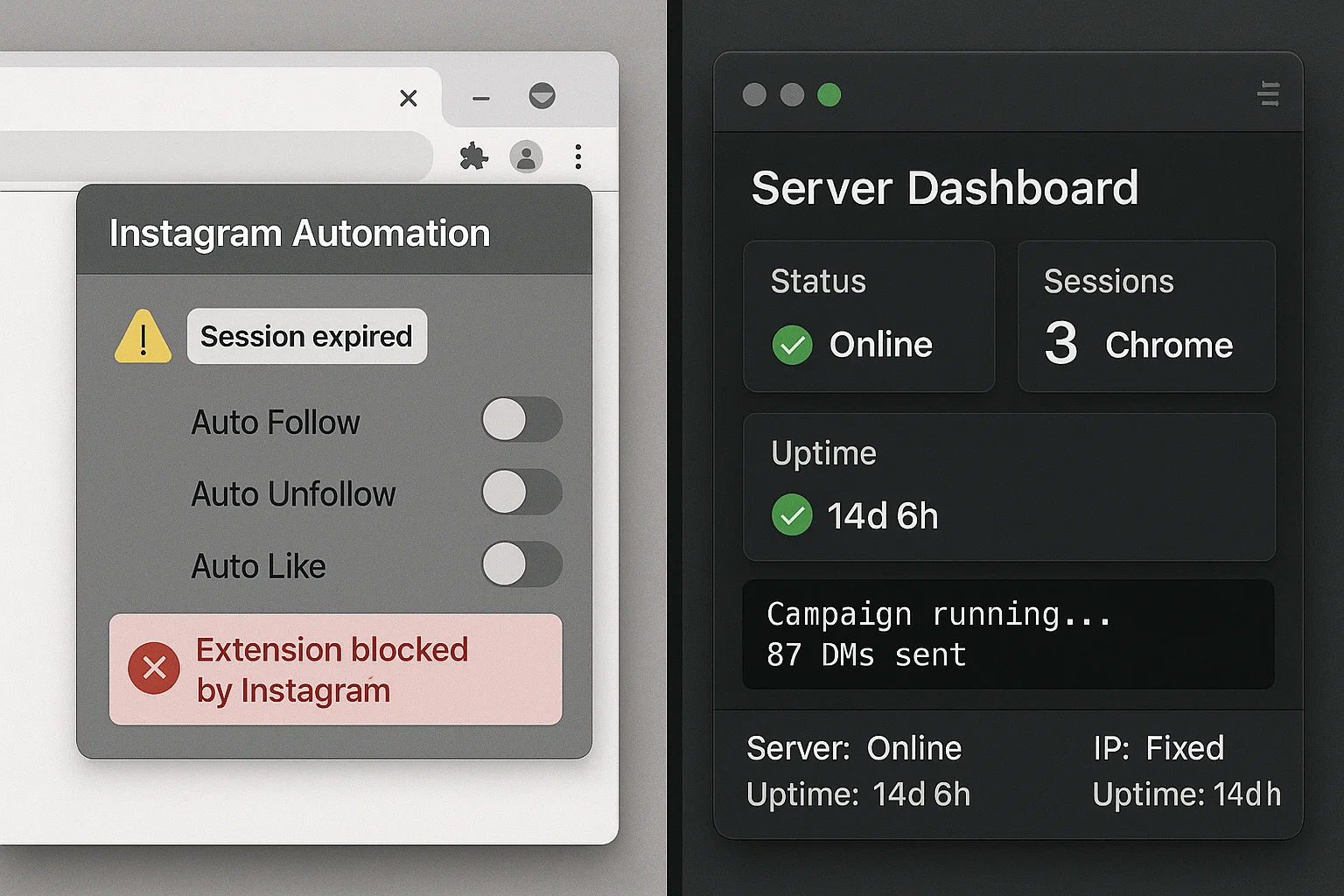
If you're still running Instagram DM campaigns through a browser extension in 2026, you're gambling your accounts. Here's why extensions fail at scale — and what actually works.
What extensions do to your accounts
Browser extensions for Instagram DM don't just risk detection — they structurally limit everything you can do.
Detection risk: Instagram's ML systems in 2026 can identify the behavioral difference between a human thumb tapping a screen and a script injecting keystrokes into the DOM. Extensions leave a detectable footprint: modified browser environment, injected JavaScript, non-human interaction patterns. When caught, there are no warnings — the account is restricted or deleted instantly.
Machine dependency: Every extension-based tool requires your computer to be on, your browser to be open, and your internet connection to be stable. A 30-second power cut, a browser crash, or an Instagram UI update kills your campaigns silently.
IP inconsistency: Extensions run from your local machine. Every time you restart your router, travel, or switch networks, your IP changes. Instagram associates account sessions with IPs — inconsistency flags risk.
Single-account bottleneck: Extensions typically manage one session at a time. Scaling to multiple accounts means multiple machines or awkward profile switching.
Why server-side Chrome changes everything
Server-side Chrome moves execution from your machine to a dedicated server. Each Instagram account gets its own persistent Chrome profile running 24/7 on a fixed IP address.
The difference in practice:
| Server-Side (InstaSDM) | Browser Extension | |
|---|---|---|
| Runs on your machine | No | Yes |
| Campaigns stop if you close laptop | Never | Always |
| IP per account | Fixed, dedicated | Variable |
| Multiple accounts | Yes, isolated profiles | Limited, shared session |
| Extension fingerprint | None | Yes |
| Silent failures | Logged with full error context | No notification |
What InstaSDM actually does under the hood
InstaSDM runs one Chrome instance per connected Instagram account. Each instance has its own profile directory: cookies, cache, session data, browser fingerprint — exactly what a human's long-term browser would accumulate.
When a campaign runs:
- The Chrome instance opens Instagram's DM interface
- Types the message with randomized, human-like timing (not paste — typed character by character)
- Introduces random delays between messages (45–180 seconds, not a fixed interval)
- Logs every action with timestamps and outcome
No extension. No injected JavaScript. No API calls that Instagram hasn't sanctioned through normal browser interaction.
Running mass DMs safely in 2026
Volume without safety is just a fast way to lose accounts. What the behavioral AI looks for:
- Message repetition: Identical copy sent to everyone is the clearest spam signal. Rotate templates and vary at least one personalization variable per message.
- Send velocity: Batch-sending 100 DMs in 20 minutes triggers detection regardless of daily total. Spread sends throughout the day.
- Account age: New accounts (under 30 days) should cap at 10–15 DMs/day. Aged accounts (180+ days) can run 150–200.
- Link in first message: Treated as a phishing signal in 2026. Keep the first DM link-free.
The infrastructure conclusion
Mass Instagram DMs at scale require infrastructure — not a browser plugin. Extensions had their window; that window is closed. The tools that work in 2026 are the ones built from the ground up to run as persistent, server-side systems with account isolation, fixed IPs, and human-like execution.
InstaSDM was designed exactly for this. Your campaigns run around the clock. Your laptop doesn't need to be on.